Is It Worth Repairing an Old MacBook? When To Replace
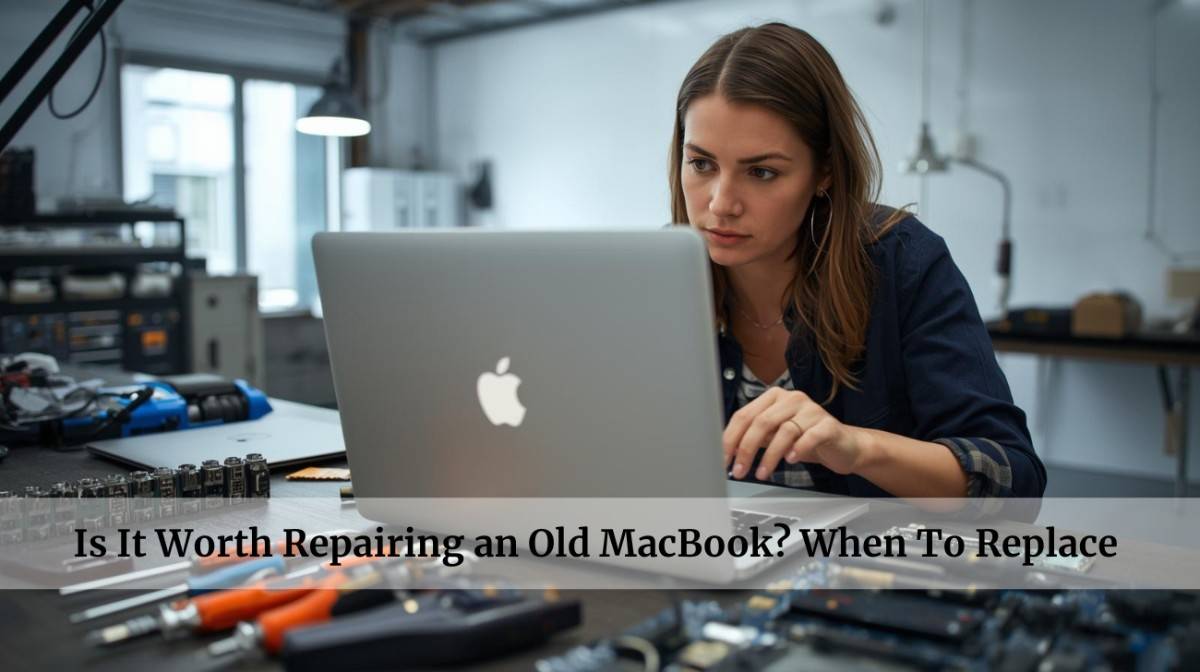
You're staring at your dusty 2014 MacBook sitting on your office desk. Worrying & wondering whether to visit MacBook repair Dubai center…
Should I repair it? Or replace it?
It still holds my important project drafts, travel photos from Jebel Ali, & memories of client presentations.
But the screen has a crack, and performance lag makes you pause. Repair? Or replace?
This dilemma eats up a lot of time. Let’s find out exactly what to do & if giving your MacBook a second life makes sense for your wallet and your work or not.
Let’s understand what to do…
Quick Answer: Is It Worth Repairing an Old MacBook?
Yes, it can be. Repairing your old MacBook can be worth it. Only if the repair cost is lower than buying a new one, and you can still use it for your everyday work, browsing, or media after repairing.
For this, you can reach out to Apple-certified technicians who can handle everything from MacBook screen replacement to MacBook motherboard repair and replacement in Dubai, often within hours.
If your MacBook is 5–7 years old, still supports updates, and just needs a fix—repairing it makes financial and practical sense.
But if Mac parts are failing often or software support is ending, it’s time to take smarter steps to upgrade.
TL;DR—
- Repair = good option if it’s 3–7 years old + has fixable damage.
- Replace = better if it’s 8+ years old, out of software support, or repair is too costly
- Always get a free diagnosis first from trusted MacBook Repair Dubai experts.
What do official Apple technicians recommend?
When it comes to fixing an old MacBook, Apple’s own guidelines provide strong clarity. Their approach is based on the MacBook device's age, type of damage, cost-effectiveness, and part availability.
They recommend you get repairs from Apple Authorized Service Providers (AASPs), visit an Apple Store, or visit certified MacBook repair Dubai experts.
They also advise you to use only genuine Apple parts for repairs, especially for batteries, displays, and power adapters. This ensures safety and proper functionality.
This matters because Apple’s repair policies are designed for the best performance.
— Apple Usually Recommends Repair If:
Your Mac is under warranty or AppleCare+
The MacBook damage is minor.
Apple parts are easily available.
MacBook sustainability matters.
You're not ready to invest in a new Mac.
Covered devices are typically repaired at little to no cost.
Issues like cracked screens, faulty ports, or keyboard problems are usually quick and cost-effective to fix.
Apple prefers repairing Macs when genuine components are in stock. They also aim to recycle and reuse parts where possible.
Apple supports repair-first strategies to reduce e-waste. If a repair restores full function, they usually choose that path.
At last, you are not ready in terms of budget. New MacBooks cost AED 4,500–9,000+. A targeted repair in Dubai might only cost AED 400–1,200 (depending on locality).
— Apple May Recommend Replacement If:
The MacBook damage is severe.
The MacBook device is outdated.
The MacBook repair cost outweighs the value.
Repair Cost is 60%+ of a New Mac.
Major internal damage, like logic board failure or liquid corrosion, may justify full replacement—especially if performance is impacted.
If your MacBook is vintage or obsolete (typically 7+ years old), parts may no longer be available, pushing replacement as the better option.
If repairs cost close to a new model, Apple will lean toward recommending an upgrade.
Once repair quotes cross this threshold, it’s financially wiser to replace than repair.
In short, Apple’s own technicians often suggest repair when feasible and supported, but advise replacement if repair is impractical or expensive.
Knowing this helps you weigh your options smartly—especially if you’re exploring MacBook repair in Dubai from trusted local experts.
What Can Be Repaired in an Old MacBook (And How Much It Cost in Dubai)
Not all MacBook issues mean it’s time to replace it. In fact, most problems in older MacBooks can be fixed quickly by local MacBook repair Dubai experts.
Here’s a breakdown of common repairs and how much they cost in Dubai:
| Mac Issue | Repair Type | Estimated Cost (AED) | Recommended Service |
|---|---|---|---|
| Cracked or flickering screen | MacBook Screen Replacement Dubai | 500–1,200 | Worth repairing |
| Not charging/power cuts off | Charging Port or Motherboard Repair | 400–900 | Common & fixable |
| Battery drains fast | Battery Replacement | 350–800 | Fast & affordable |
| Mac gets very hot or shuts down | Cooling system or logic board repair | 450–1,200 | Depends on severity |
| No display, but fan runs | MacBook motherboard repair and replacement Dubai | 900–1,500 | Repair if under 5 years |
| Slow performance | SSD/RAM Upgrade or OS refresh | 300–700 | Cheaper than new Mac |
Note: Prices can vary based on your model and Mac part availability. Most MacBook repair Dubai services offer free diagnosis, so you only pay if you move forward. Make sure you properly check the other MacBook repair service center in Dubai.
Easy DIY Repairs You Can Try on Your Old MacBook
These fixes don’t need special skills, but you always need to proceed with caution & some research. If you're unsure, consult a MacBook technician Dubai.
Clean the MacBook Keyboard and Ports
- Use compressed air to clean under the keys.
- A soft brush or isopropyl alcohol on a microfiber cloth works well for ports.
Reset SMC & PRAM/NVRAM
- SMC Reset: Shut down → Hold Shift + Control + Option + Power for 10 seconds → Release → Turn on.
- PRAM Reset: Restart → Hold Option + Command + P + R for 20 seconds.
Upgrade or Replace the SSD (Only in older MacBooks)
- Tools: Pentalobe screwdriver + new SSD
- Don’t forget to back up your data and install macOS from a bootable USB.
Battery Calibration (Not replacement)
- Charge to 100% → Use till 0% → Let it rest → Full charge again without interruption.
Reinstall macOS (Without Deleting Data)
- Restart Mac → Hold Command + R → Choose “Reinstall macOS.”
Dust and debris can cause keys to stick or ports to stop working.
When it helps: Sticky keys, charging, or USB port not detecting.
This fixes random issues like fans always running, display glitches, or batteries not charging properly.
When it helps: Battery issues, slow performance, display bugs.
If you own a pre-2016 model, you can usually replace or upgrade the SSD with a compatible part.
When it helps: Storage full, macOS not booting, speed issues.
For older MacBooks with removable or degraded batteries, recalibrating helps.
When it helps: Battery life reporting wrong percentages.
You can reinstall the operating system without wiping your files.
When it helps: Slow systems, app crashes, or update failures.
Warning—: Avoid DIY Techniques for These MacBook Repairs
- MacBook Screen Replacement
- Motherboard or Logic Board Repair
- Trackpad, Fan, or Cooling System Fixes
- Liquid Damage Cleanup
These require tools, expertise, and high risk of damage. It's better to book a MacBook Repair Dubai service for these.
Final Take: Should You Repair or Replace Your Old MacBook?
If your MacBook still does what you need—and only has one or two issues—repairing it is almost always the smart, cost-saving choice.
Especially with expert MacBook repair in Dubai, you’ll get fast service, local parts, and same-day fixes in many cases.
But if your Mac is over 8 years old, keeps breaking down, or can’t run modern software anymore—replacement may offer more value and peace of mind.
🎯 Our advice? Get a free diagnosis first from MacBook Repair Dubai.
Let an expert assess your device before making a big decision. Whether it’s a MacBook screen replacement, motherboard repair, or just a tune-up—a local repair center in Dubai can guide you right.

.png)